Receipt scanner app
Scan a receipt.
The expense files itself.
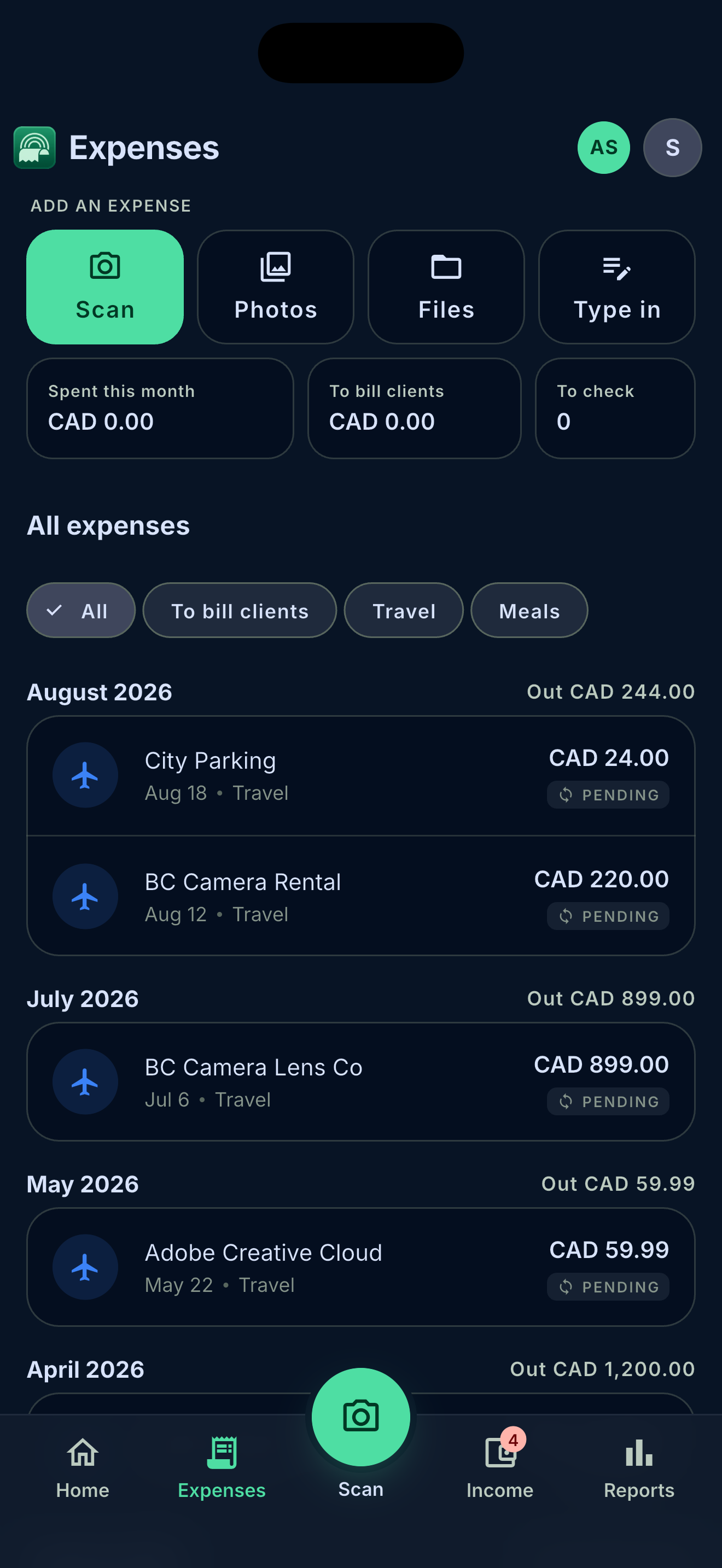
Take a photo, share a PDF from your email or paste a link. Sundry reads the merchant, date, total and the GST/HST you paid, and puts the expense in the right category for tax time.
Free to try. No credit card. Private by default.
How it works
-
01
Capture it any way
Camera, photos, files, the share sheet, a receipt link or a file in your Google Drive. A stack of paper receipts goes one after another with "scan next".
-
02
Sundry reads it
Merchant, date, total, tax and currency come out of the receipt. Fields it isn't sure about are marked so you know what to check.
-
03
You approve it
New receipts wait as drafts until you approve them, so nothing lands in your reports by accident. Possible duplicates are flagged.
What you get
Photos, PDFs and links
Paper receipts, emailed PDFs and online order pages all end up in one list. A web receipt is read from its page, so you don't need a screenshot.
Tax-ready categories
Expenses are sorted into categories you can edit, so your income statement and tax report add up without a spreadsheet.
Sales tax you paid
The GST/HST on each receipt is kept with the expense, ready for your input tax credits.
Foreign currency
A receipt in USD or EUR keeps its original amount and is converted to your home currency.
Your files, your Drive
Receipts are kept in Sundry's private storage or, if you prefer, in a folder in your own Google Drive.
Bill it to a client
Attach a receipt to an invoice, with a markup if you want one, so billable costs don't slip through.
Questions
How many receipts can I scan for free?
The free plan includes 10 AI reads a month, and a receipt uses 1. Solo includes 150 and Pro 500. You can always type a receipt in by hand and attach the photo without using a read.
Do I need to keep the paper receipt?
The CRA accepts electronic copies if they are clear and complete, and you can produce them when asked. See what the CRA expects from your receipts for the details.
What if Sundry reads a receipt wrong?
Every receipt stays a draft until you approve it, and you can edit any field. A file Sundry can't read doesn't use a read.
Can I import receipts I already have?
Yes. Pick several photos or PDFs at once from your phone, or import them from your Google Drive.
Read more
Bookkeeping, done on your phone.
Receipts, invoices, bank matching and sales tax in one app. See everything Sundry does.